
Welcome to Articlegiants
Write for us — share your expertise with the world
We give experts, researchers, and professionals a free permanent home for their best thinking. No paywalls. No algorithms. Just your work, indexed by Google, with your name on it.
View guidelines Sign in
What we accept
Research summaries
How-to guides and tutorials
Opinion and analysis
Case studies
Industry news commentary
Listicles with real depth
Any types of News article Promotional / sales content
What we Not accept
AI-generated content (spam)
Plagiarised or duplicate work
Hate speech or misinformation
Sexsually exploited conetent
Gambling ,Casino
Article guidelines
LengthMinimum 600 words. Long-form (1,500+ words) performs best for SEO and reader trust.
LanguageEnglish preferred. Clear, simple sentences. Write for a smart general reader, not just your peers.
OriginalityMust be your own work, unpublished elsewhere. One do-follow link to your own site is allowed.
ImagesInclude at least one featured image. Use royalty-free photos (Unsplash, Pexels) or your own.
ReviewWe review every submission within 48 hours. Approved articles go live immediately.
How it works
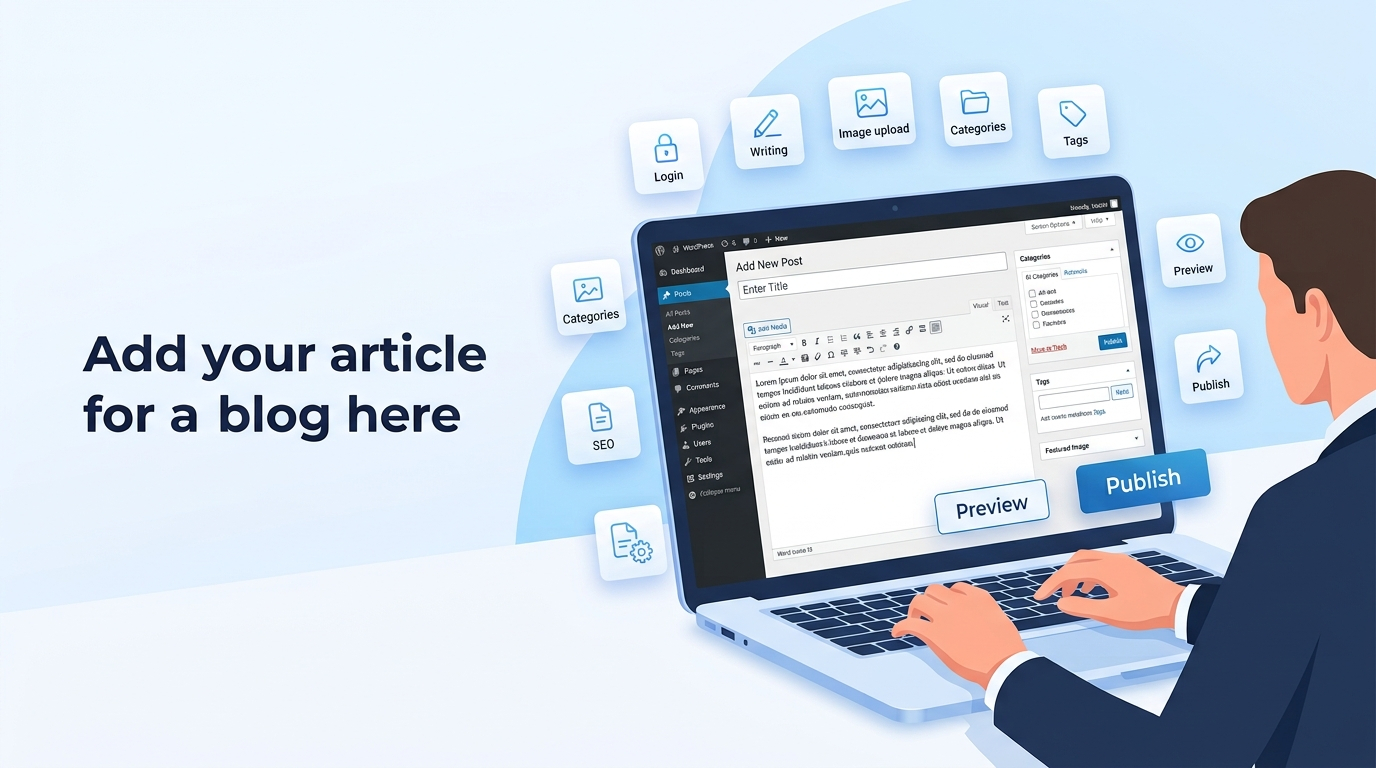
How to Publish an Article (Author Guide)
Step 1: Log In
- Open your web browser.
- Go to the WordPress login page : Sign In
- If you dont have any id ad password you can crate id and password
- Enter the username and password provided by the administrator.
- Click Log In
Or Simple Sign in with Google
Step 2: Open the Posts Section
- From the left sidebar, click Posts.
- Select Add New Post.
Step 3: Add the Article Title
- Enter your article title at the top of the page.
Example:
10 Simple Ways to Improve Your Productivity
Step 4: Write the Article
- Type or paste your article into the content editor.
- Use headings, paragraphs, bullet points, and images where appropriate.
Step 5: Add Images (Optional)
- Click the + button.
- Search for Image.
- Upload an image or choose one from the Media Library.
- Add Alt Text for accessibility and SEO.
Step 6: Add Categories
- In the right sidebar, open Categories.
- Select an existing category or create a new one if permitted.
Step 7: Add Tags
- Add relevant tags that describe your article.
Example:
news , finance etc
Step 8: Set the Featured Image
- Open Featured Image in the right sidebar.
- Upload or choose an image.
- Click Set Featured Image.
Step 9: Preview the Article
- Click Preview to check how the article will look before publishing.
Step 10: Publish the Article
- If you have permission to publish:
- Click Publish.
- Confirm by clicking Publish again.
- If you cannot publish:
- Click Save Draft or Submit for Review and wait for the administrator to approve the article.
Step 11 : Edit your Profile
- You can edit your profile section an added our personal blog website url
- you can added Social media handle etc
- change your password
Best Practices
- Use an original, descriptive title.
- Proofread for grammar and spelling.
- Add headings to improve readability.
- Use copyright-free images or images provided by the organization.
- Ensure the article is complete before publishing.
If you encounter any issues, contact the website administrator for assistance.
What you get
Ready to share your expertise? It takes less than 5 minutes to get starte
Have a question? Email us at contact@articlegiants.com.

